Bright - MLS Settings for Your Emails to Clients


How to customize your emails to clients from Bright.
  (Very important for your auto-emails of listings.)

In Bright, click Account & Settings.

Contact Information Section – This is your basic information that appears on your listings and in an agent search on Bright.

It should be correct.  But double check it.

Scroll down. Click MLS Settings.

OK, this is below and separate from the basic Contact Information.

Select My Information.

There are other options in this section if desired.

Enter contact information, signature. 
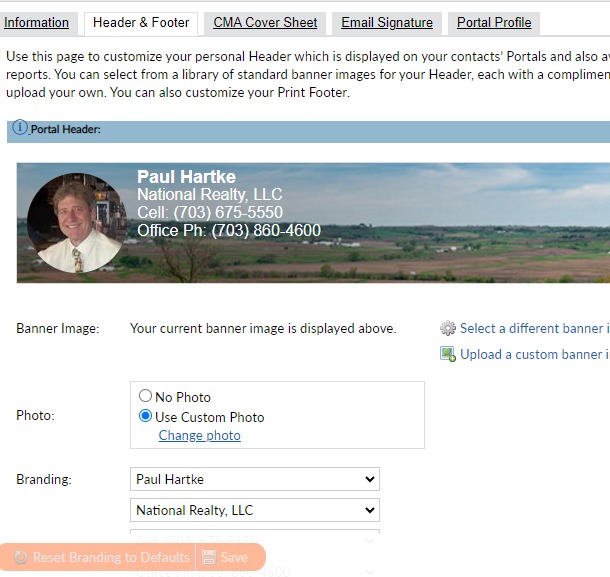
Add Header & Footer –  picture choices or enter your own!


This appears in your emails from Bright for listings and all your auto-emails to clients.

There are other MLS settings you can check.  But this is the most important.